Rock Sculptor app icon
A carving game · iPhone & iPad

Every block
hides a shape.

Your job is to get it out.

You start with a solid block of stone and take it apart one strike at a time: drive the chisel in, lever chunks loose, and work the surface down until what's left is the thing you meant to make.

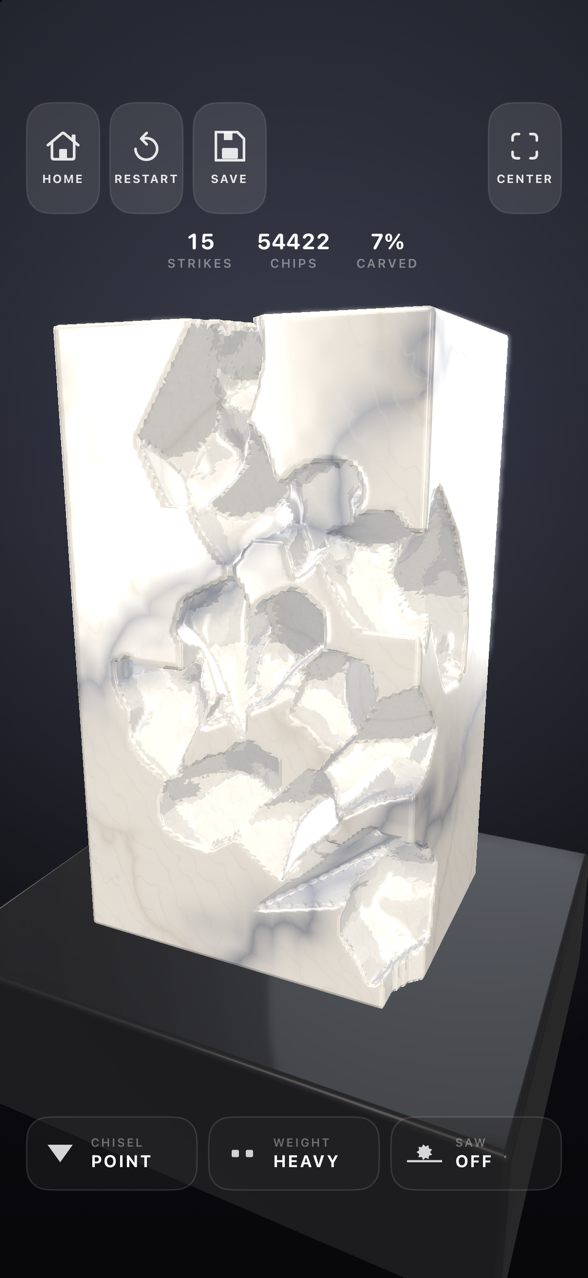
Nothing here is painted on. The stone is solid all the way through, so a chip taken out of a face shows the material behind it, veins and all. Carve away what holds a ledge up and the whole piece breaks off under its own weight.

Rejected› Passable› Good Work› Fine Work› Masterwork
Download on the App Store Free · iPhone & iPad
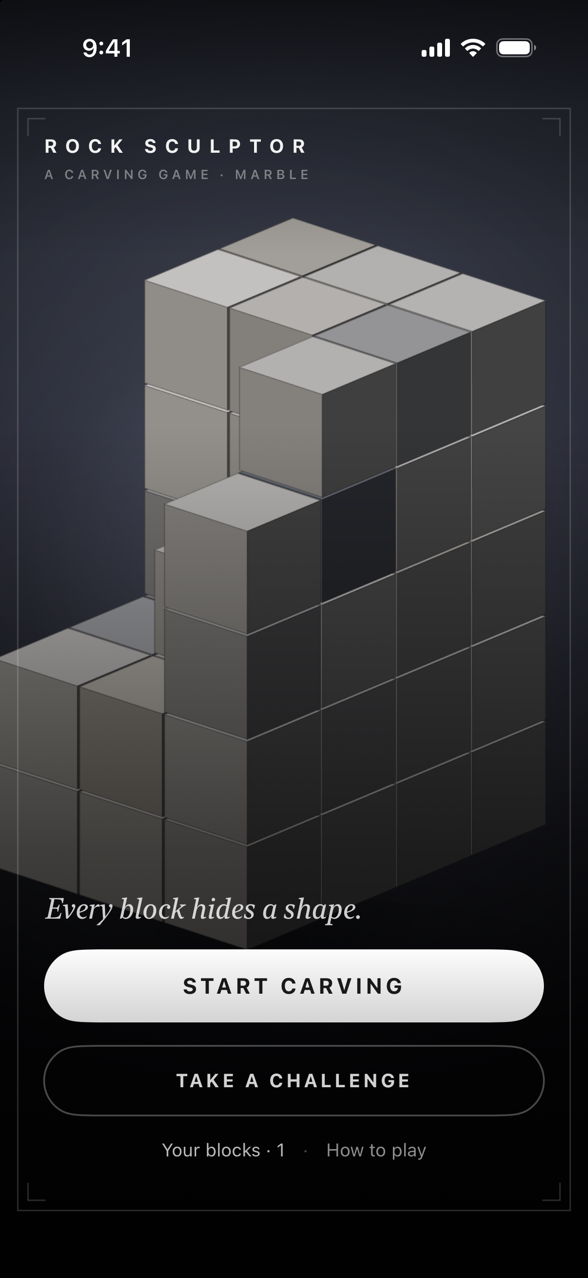
Rock Sculptor main menu: a part-carved stone block with Start Carving and Take a Challenge buttons
The tools

Seven tips, five weights, one saw.

Tap to strike, drag to orbit the block, pinch to move in close. Every tool takes stone off its own way.

Seven chisel tips

A point to drive in and lever chunks out, a claw to comb furrows, a flat to peel a strip off, a rondel for corners and ridges, a rasp and a sander to take the tooth off, and a scriber to draw a line and tap the stone apart along it.

Five weights

From a full heavy swing that roughs the block out to a feather that barely cuts and only finishes what's already there.

A saw

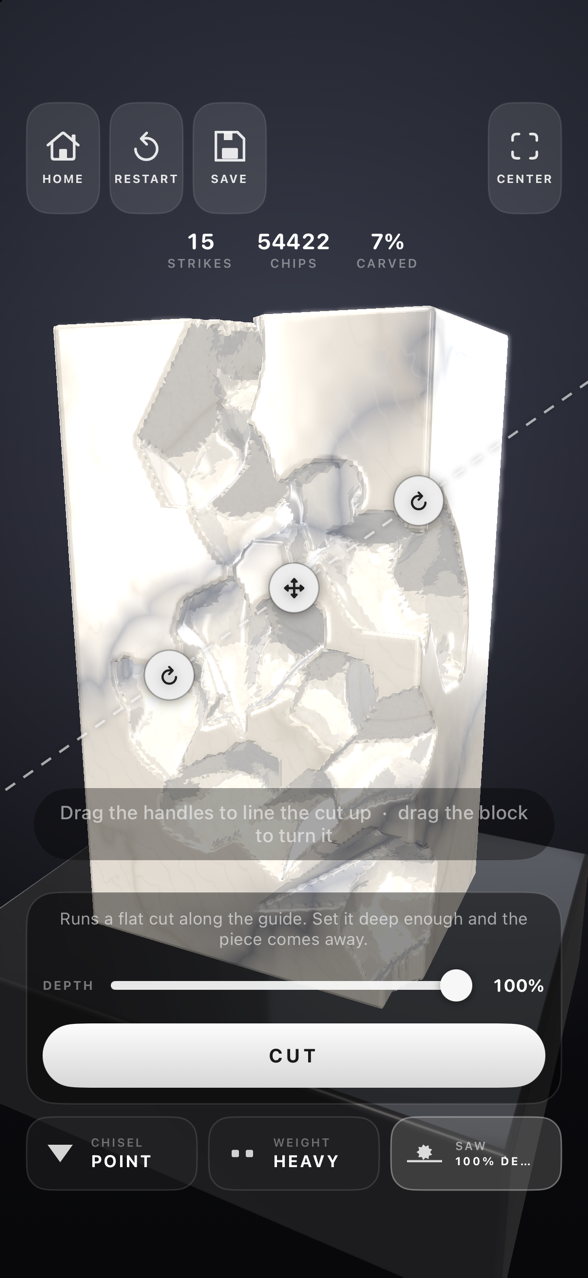
For when the chisel is the wrong tool. Line the guide up, set the depth, and the piece comes away flat.

Solid all the way through

Each stone is veined differently every time you take a block, and it behaves like itself: sandstone splits along its beds, and granite gives up nothing kindly.

Or just carve

No brief, no clock, no mark at the end. Pick a stone, take a block, and see what comes out of it.

The shelf

Put a block away part-carved and it waits exactly as you left it, every cut still in it, ready to pick up again.

Eleven stones

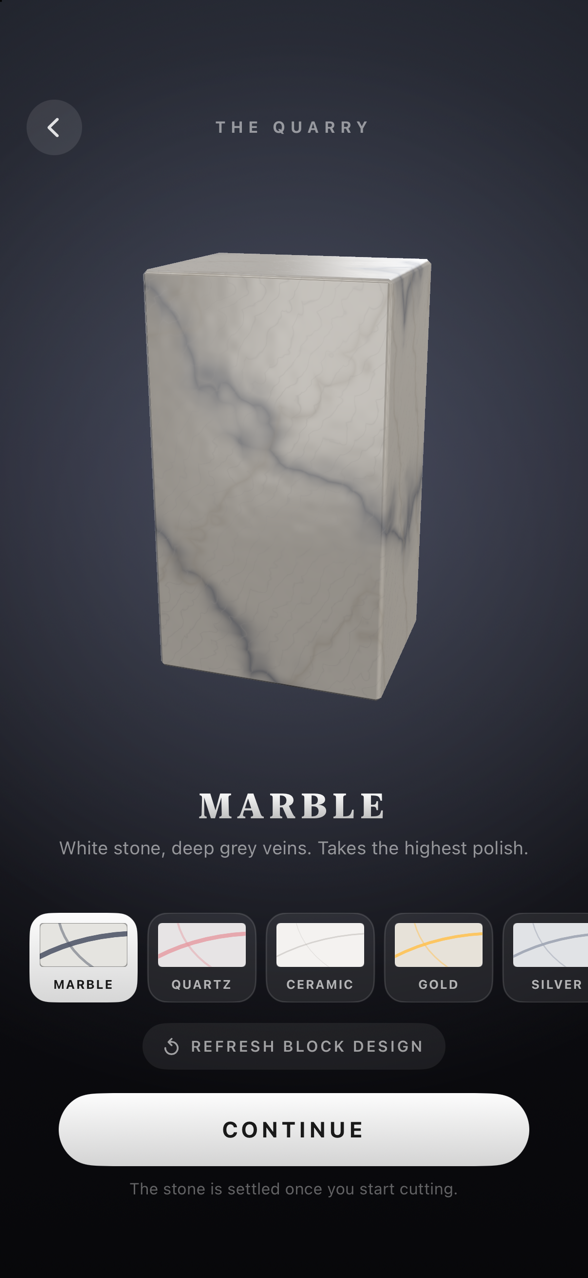
Marble Granite Basalt Quartz Sandstone Concrete Asphalt Ceramic Gold Silver Uranium

Seven challenges

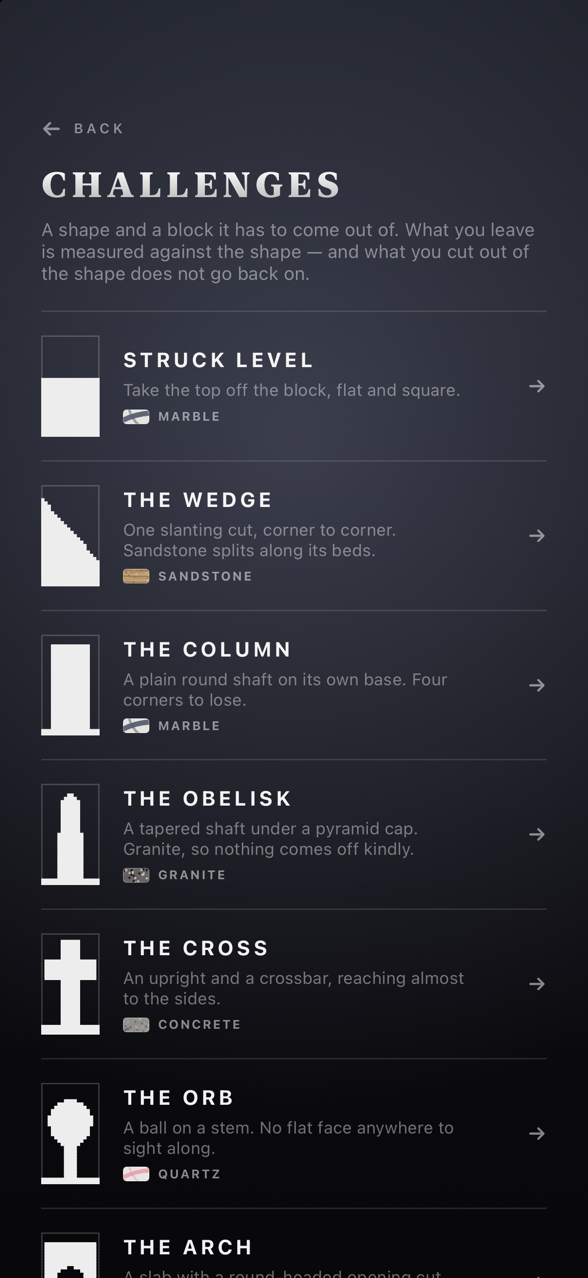
A shape, and a block it has to come out of. What you leave is measured against the shape on how close you got, how well you finished the surface, and how long you took. Cut into the shape and it doesn't go back on.

Struck LevelMarble
The WedgeSandstone
The ColumnMarble
The ObeliskGranite
The CrossConcrete
The OrbQuartz
The Arch
Screenshots

From the quarry to the finished piece.

Scroll sideways to see more →

The Quarry screen showing a veined marble block and a row of stone choices

Choose your stone

Pick from eleven materials. Each block is veined its own way.

A marble block with chunks chiselled out of its face, showing strikes, chips and percent carved

Strike by strike

Chips come out of solid stone and expose what's behind them.

The saw guide lined up across the block with a depth slider and Cut button

Bring in the saw

Line up the guide, set the depth, and take the piece off flat.

The Challenges list: Struck Level, The Wedge, The Column, The Obelisk, The Cross, The Orb and The Arch

Seven challenges

Carve a set shape and get graded, from Rejected up to Masterwork.

Pick up the chisel.

Free on the App Store. Your blocks are saved on your device and stay there, and it all works offline.

No adsNo in-app purchasesNo accountNothing collected